
Update Your Account Details
On PlayShorts, you can easily edit your user information whenever needed.
To update your account details:
Go to the Settings tab in the navigation bar.
Select the Account section.
On this page, you can update the following fields:
First name
Last name
Company
Email address
Password
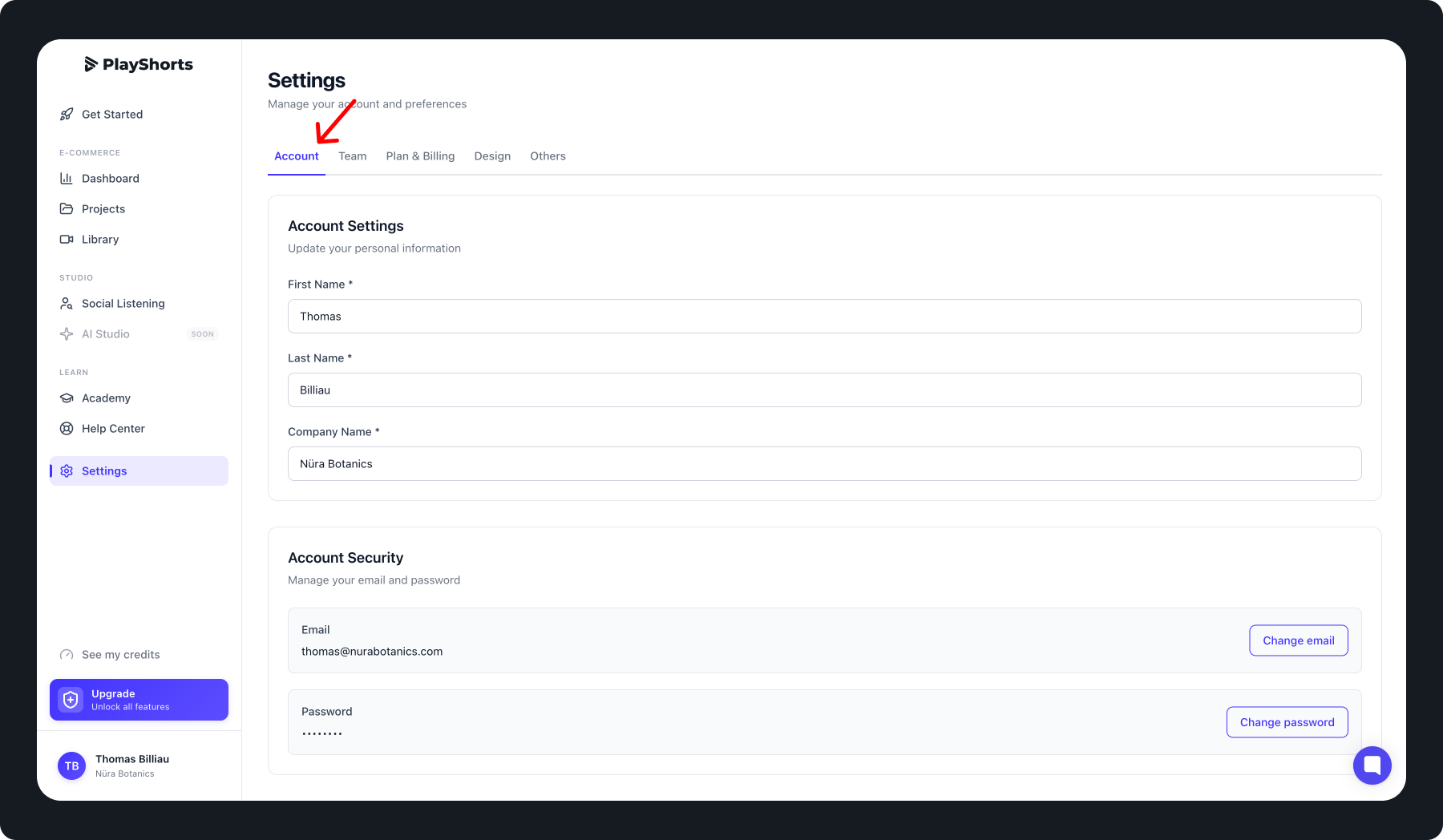
After making your changes, make sure to save your updates before leaving the page.
Tips 💡
Your email address is your primary login identifier.
You can reset your password at any time if you forget it.