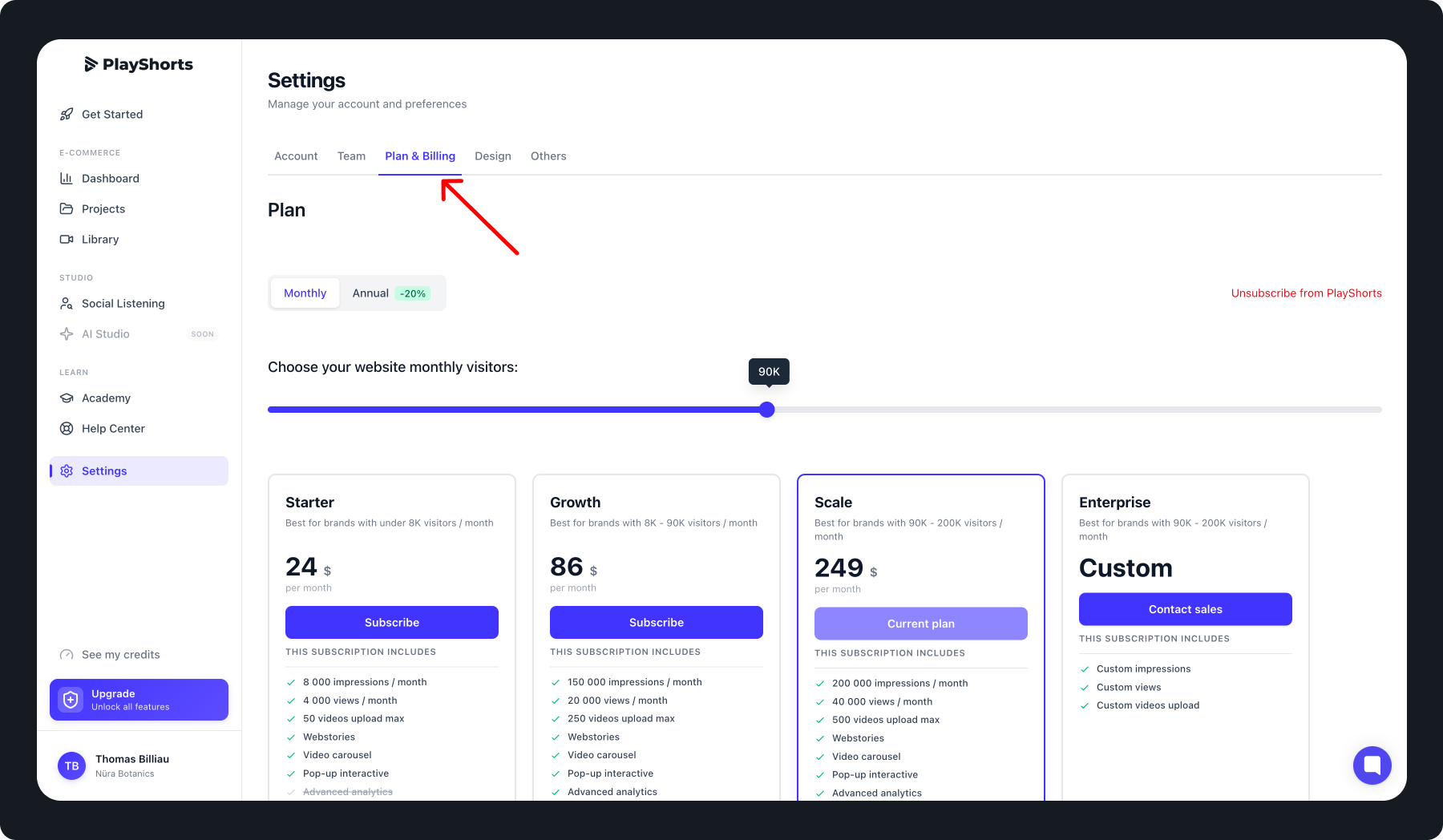
Update Your Subscription Plan
If you’d like to upgrade or modify your subscription, PlayShorts allows you to do it easily at any time. You have two ways to change your plan:
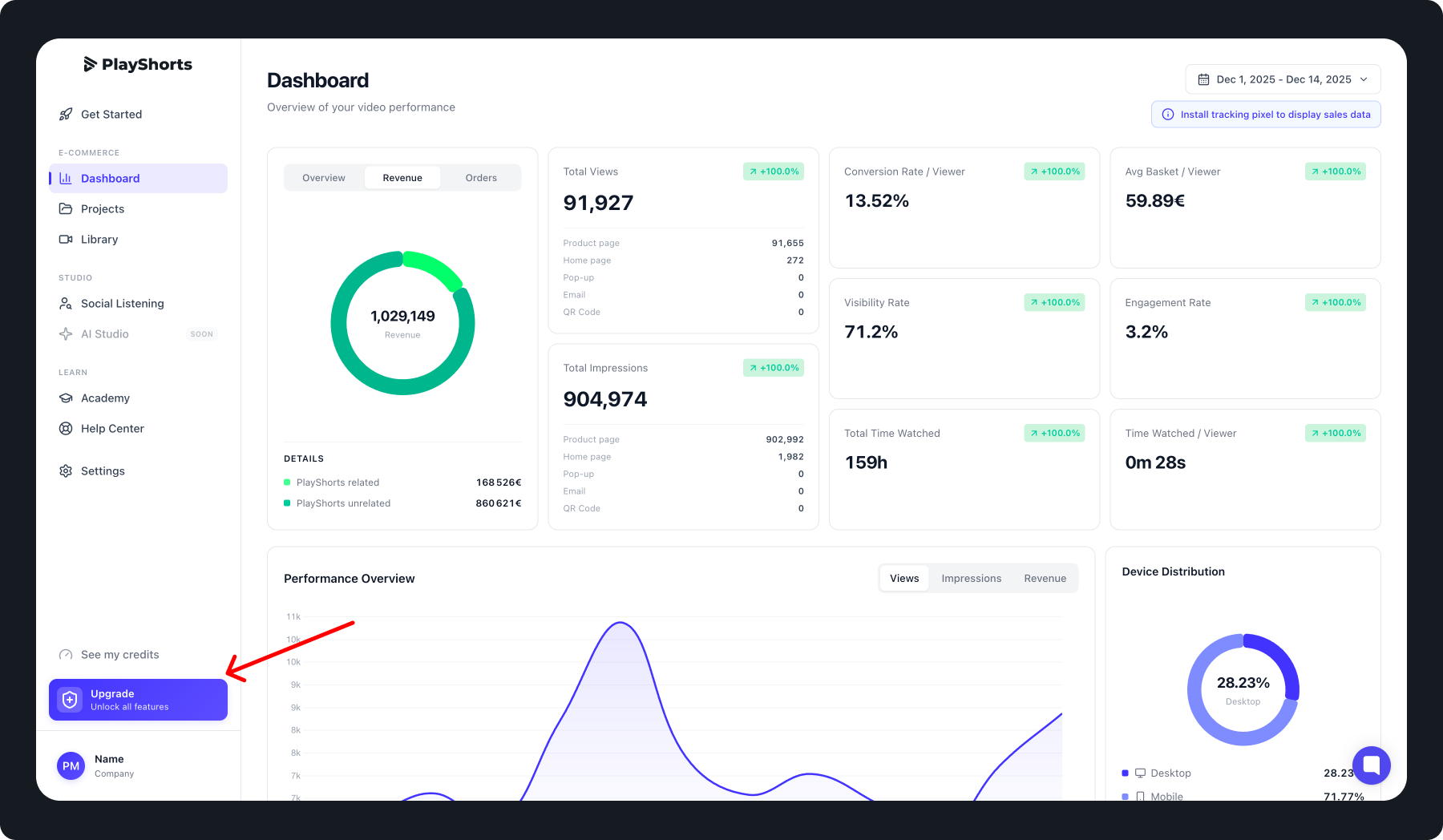
Option 1: From the Navigation Bar
Click the “Upgrade” button in the navigation bar.
Select the plan that best fits your needs.
Confirm your choice to activate your new subscription.
Tip: 💡
You can adjust your monthly visit volume to find the most suitable plan for your usage.
Option 2: From the Settings Tab
Go to the Settings tab in the navigation bar.
Open the Plan & Billing section.
Choose between a monthly or annual plan.
Tip: 💡
The annual plan helps you save 20% compared to the monthly option.
You can switch plans anytime as your business grows.