Help center
Go to PlayShorts
All collections
Be an expert
[Other CMS] Organize your videos by creating folders
[Other CMS] Organize your videos by creating folders
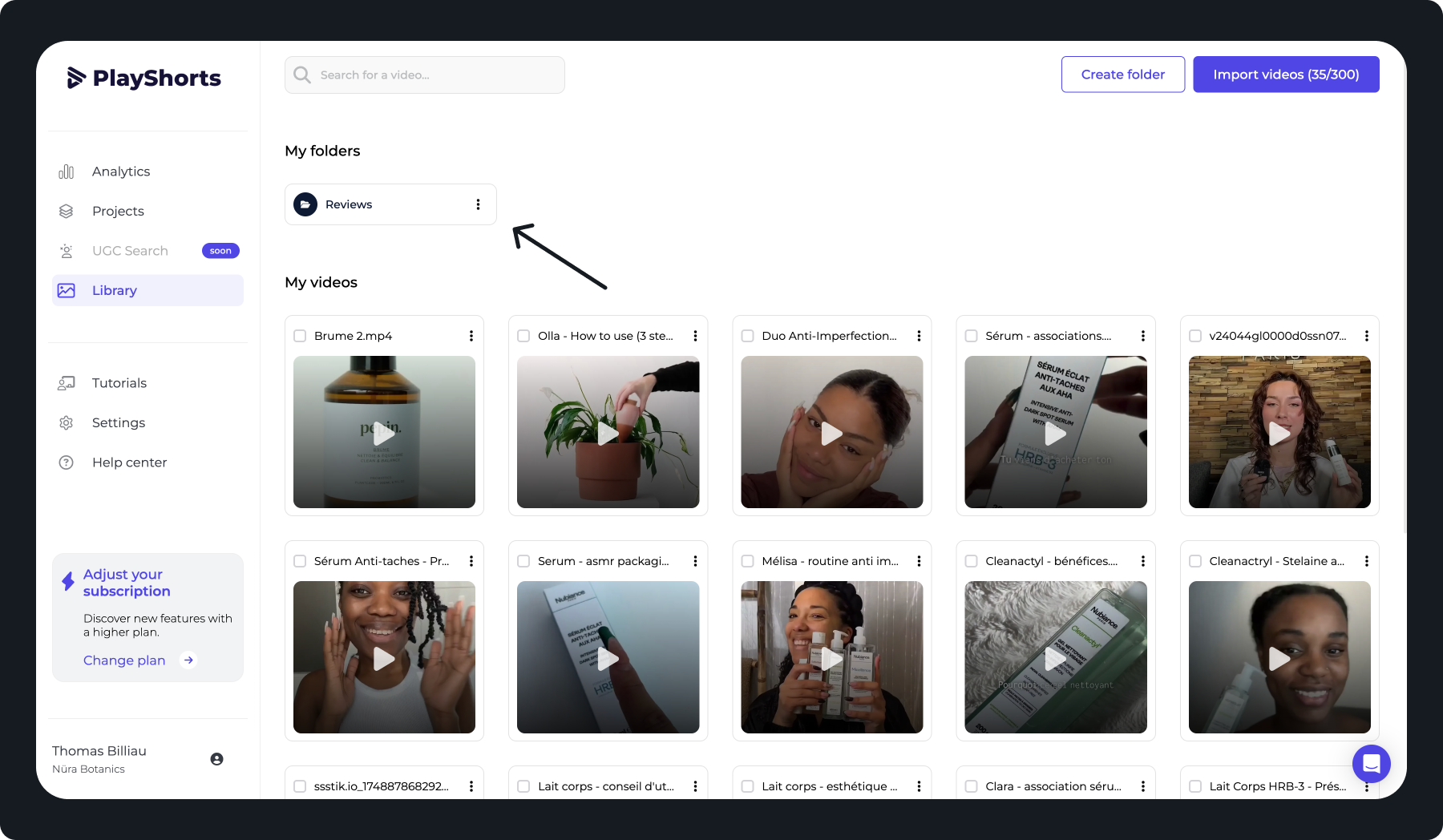
How to organize my PlayShorts back-office?
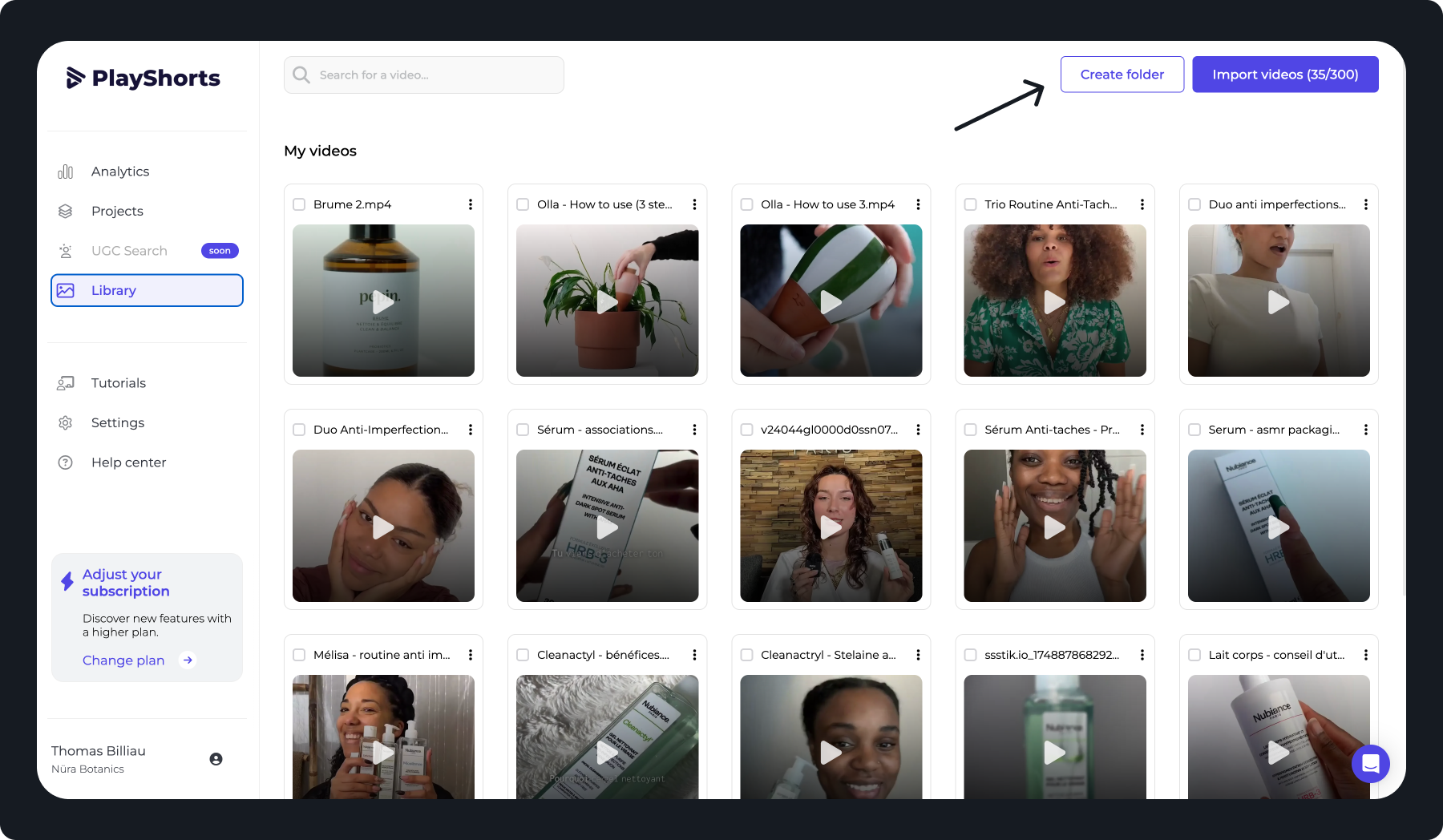
Click on
“Create a folder”
.
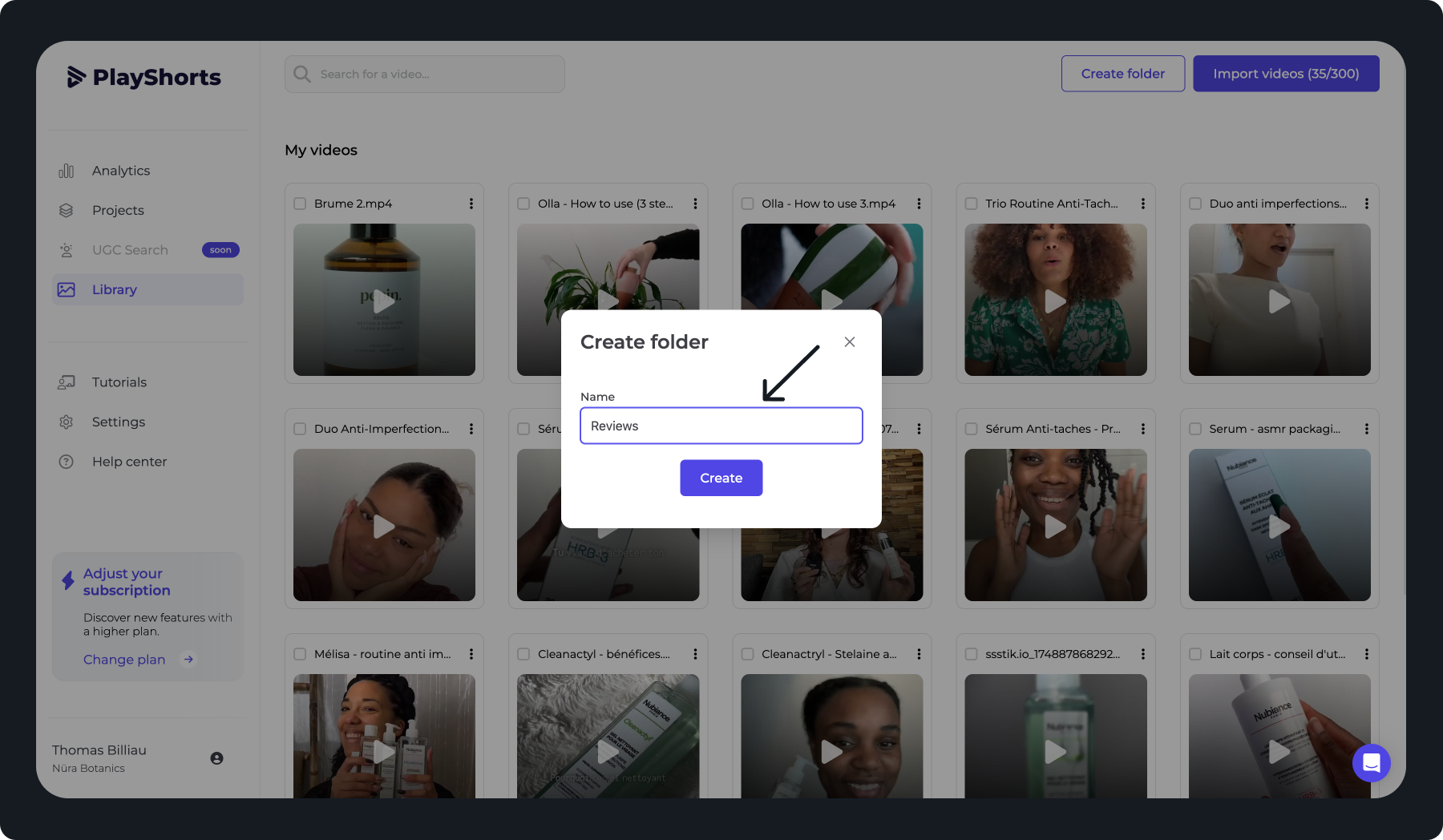
Name your folder
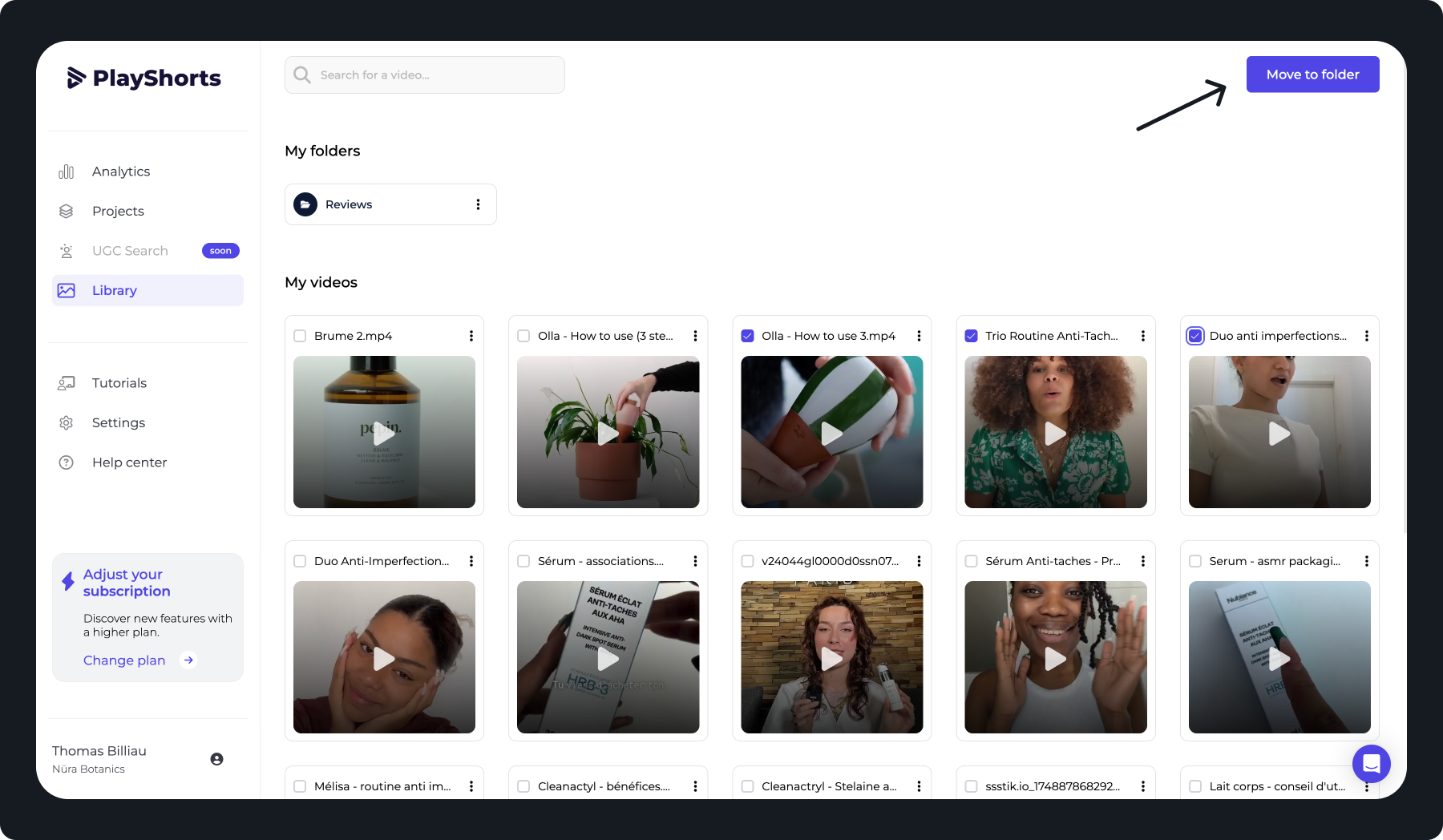
Select your videos and press
“Move to folder”
.
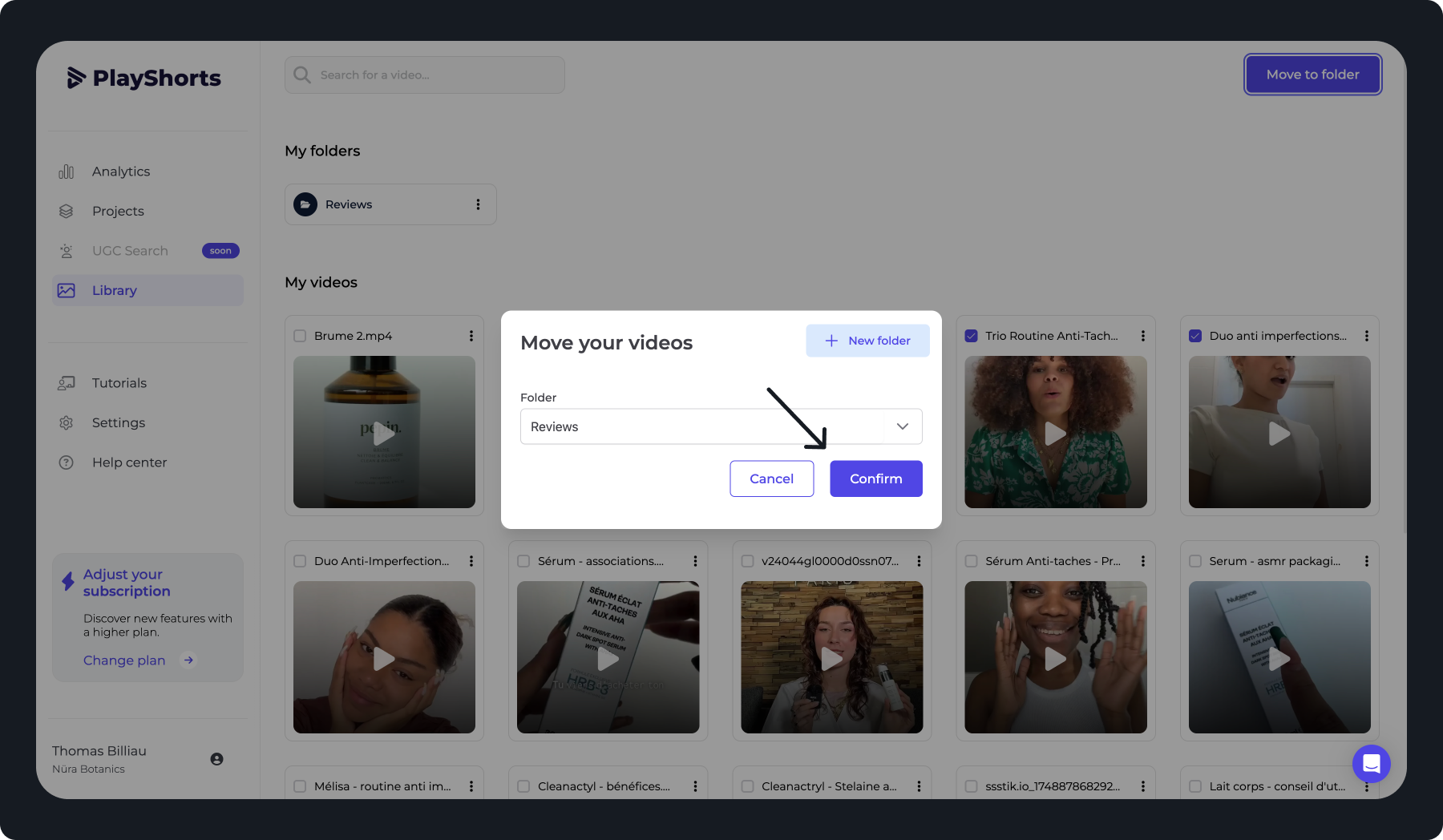
Choose the folder to which you wish to move your videos
Your videos are now stored in your folder
Now you can organize your backoffice in the way that makes sense to you.
Did this answer your question?
😞
😐
😁
[Other CMS] Organize your videos by creating folders | PlayShorts