
When importing videos, you can create folders to organize all your imported videos.
Click on “Create a folder”.
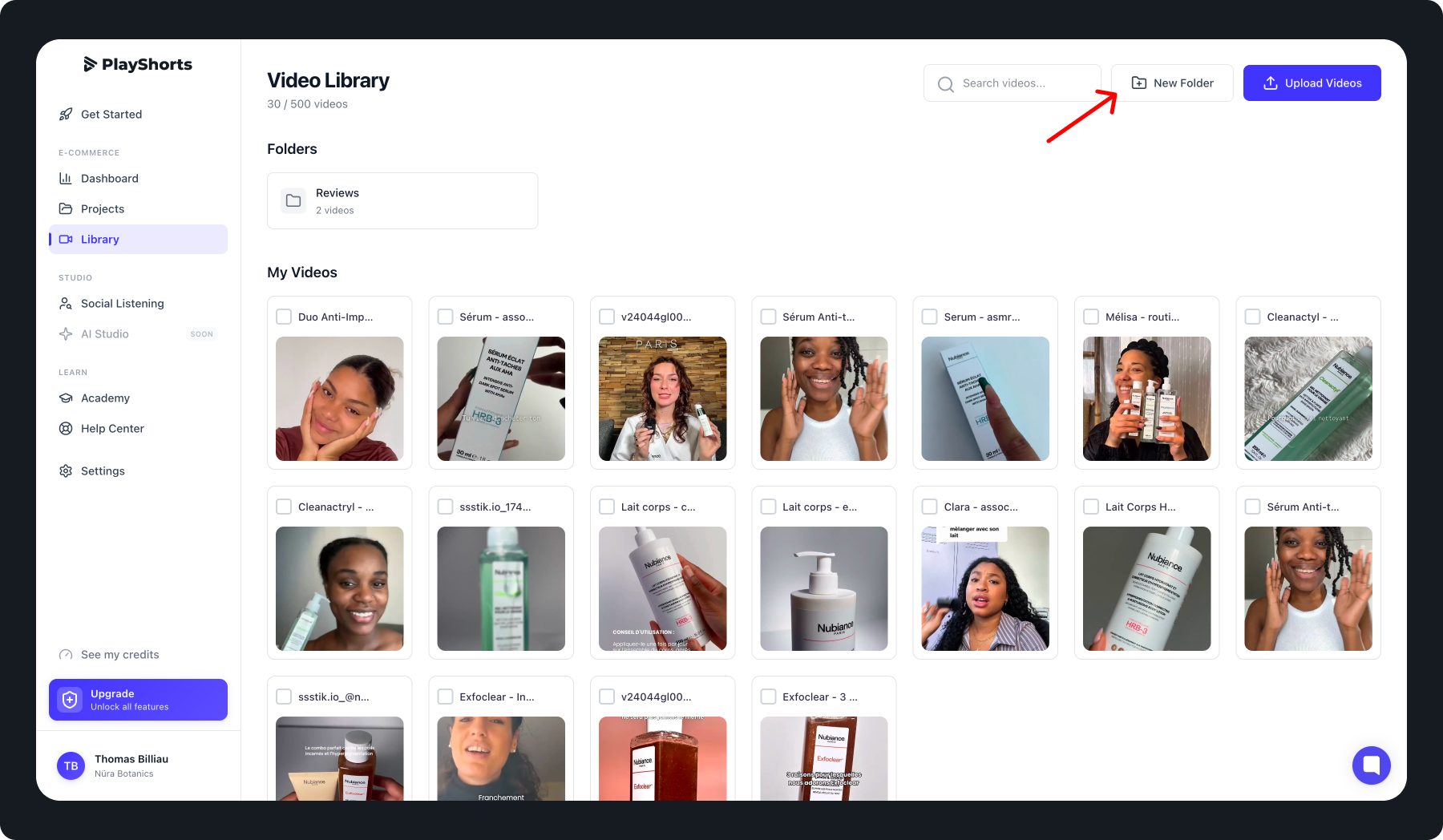
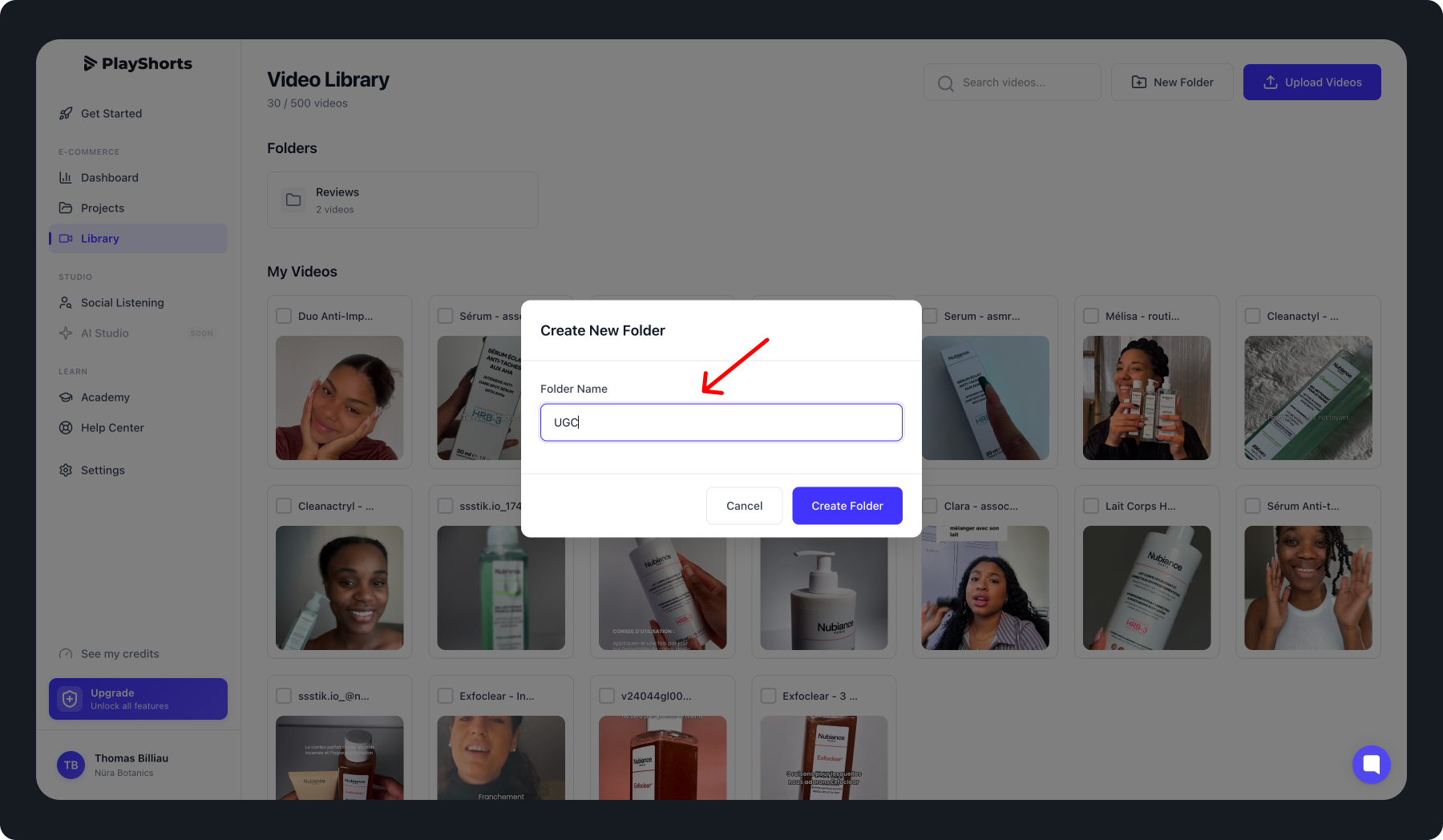
Name your folder
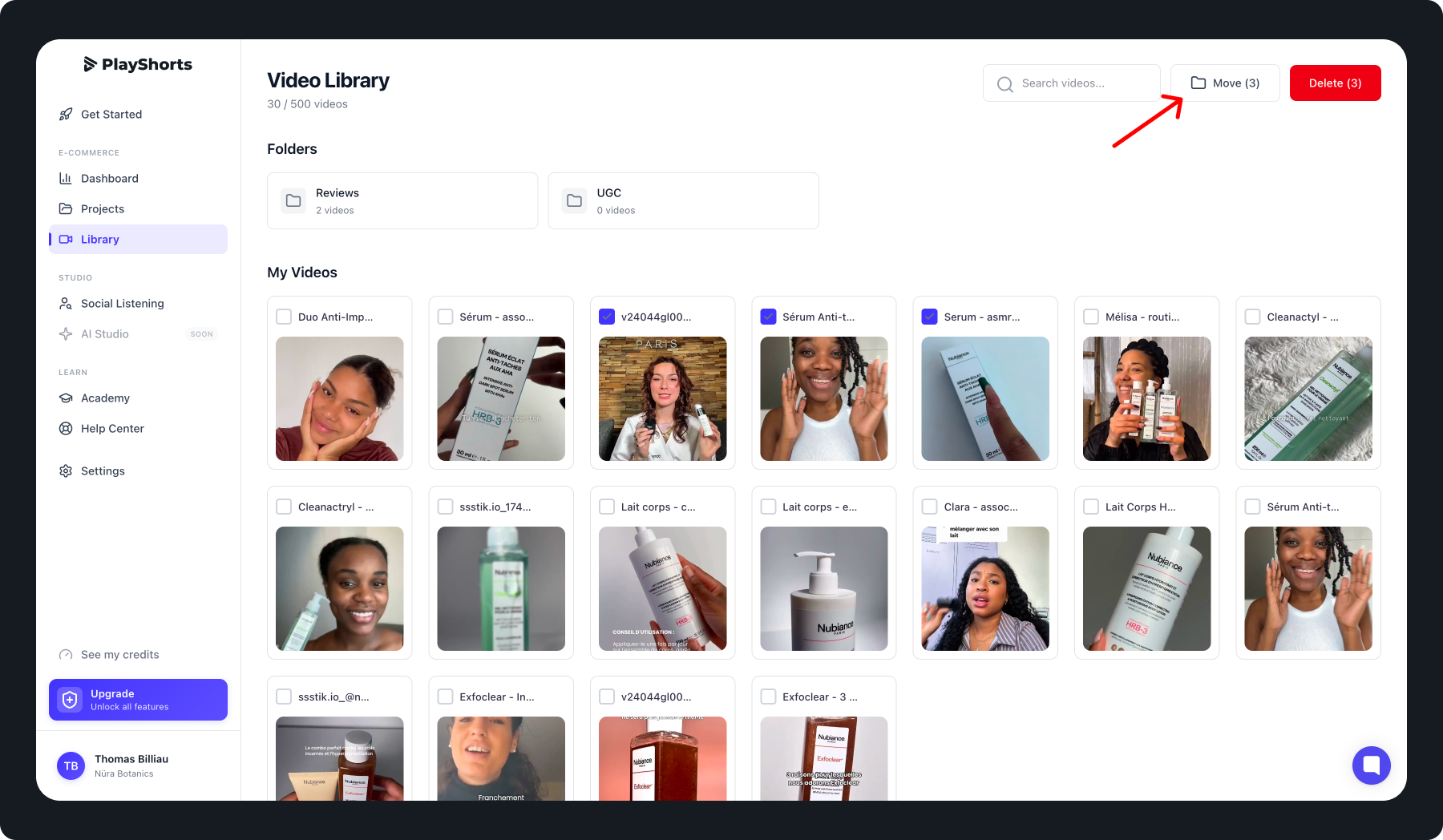
Select your videos and press “Move to folder”.
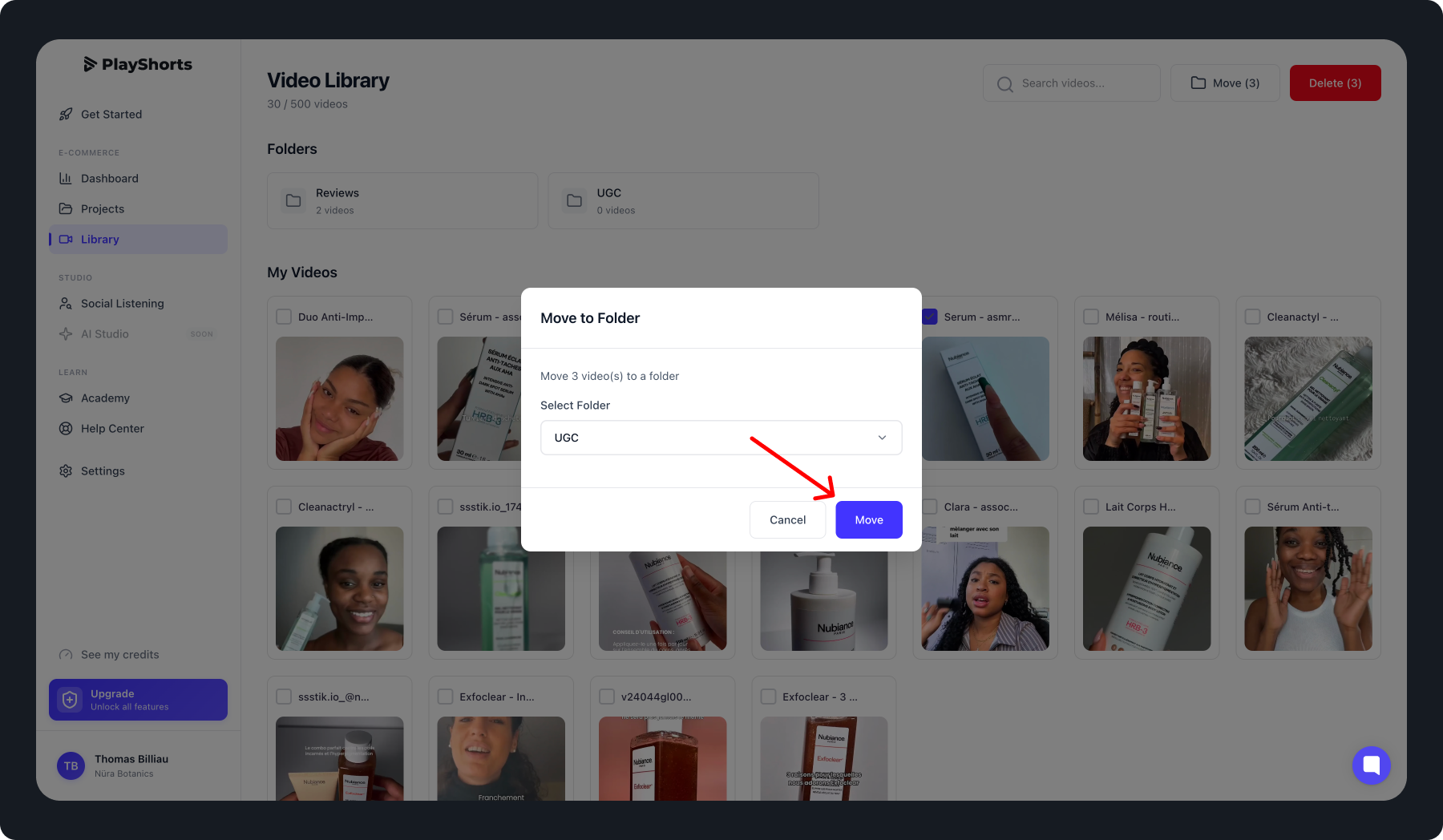
Choose the folder to which you wish to move your videos
Your videos are now stored in your folder
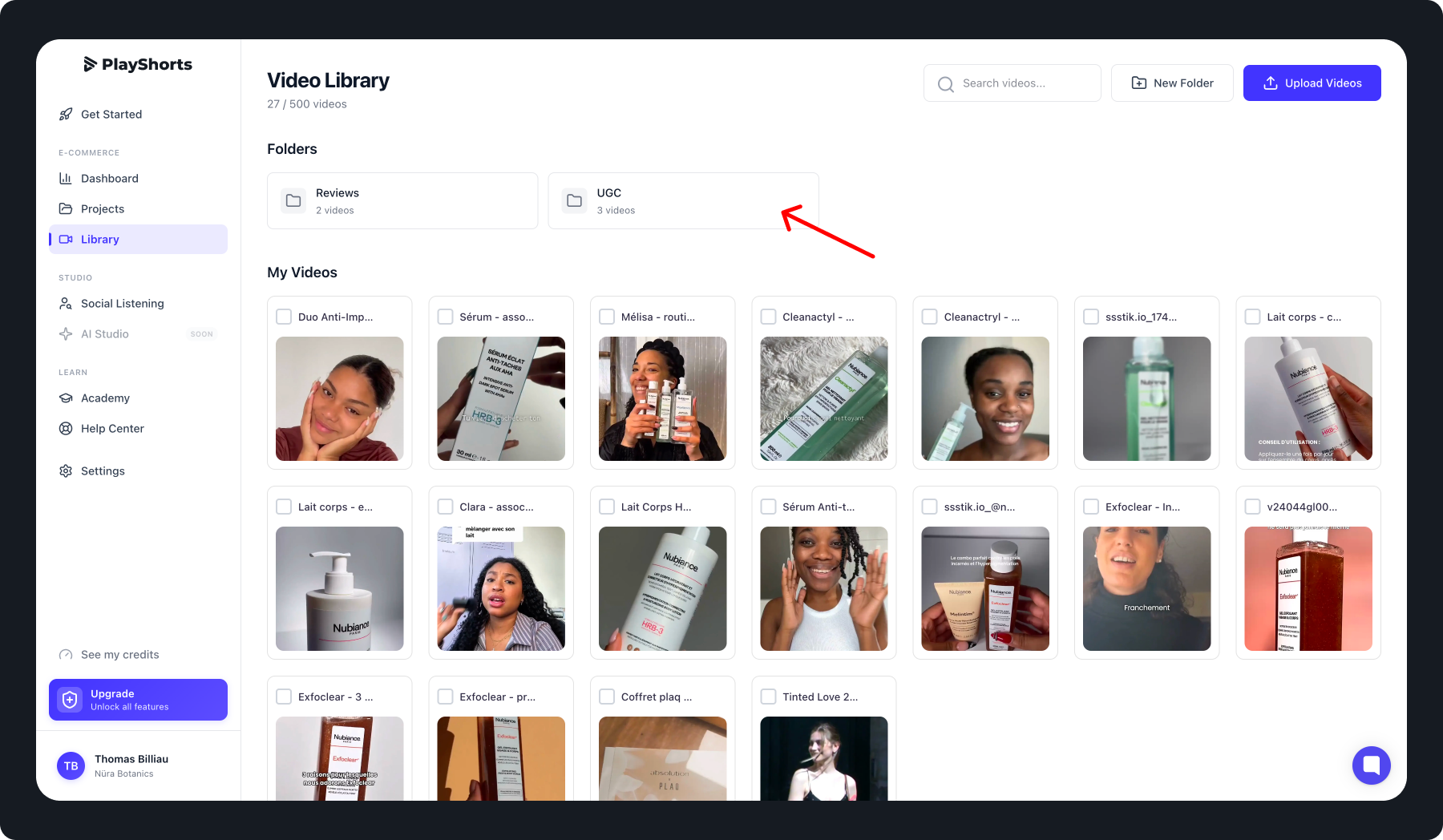
Now you can organize your backoffice in the way that makes sense to you. 😇