
With Playshorts, you can create multiple projects. Having a clear and organized dashboard allows you to easily navigate and quickly find your projects within PlayShorts.
If you want to rename a project, follow these simple steps:
Steps to Rename a Project
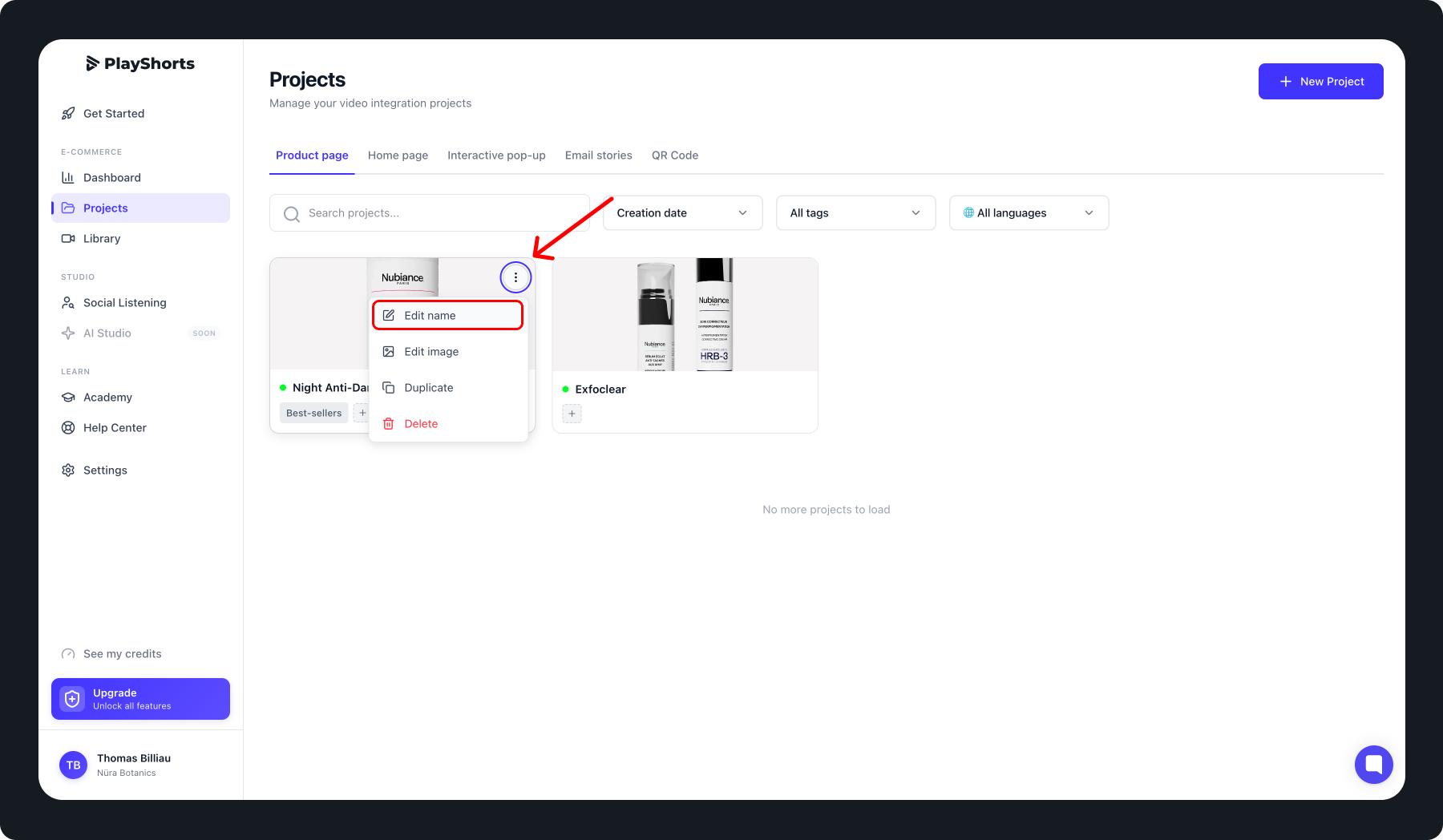
Select the project you want to rename.
Click on the Project menu (usually represented by three dots “…”).
Choose “Edit name.”
Enter the new name for your project.
Save your changes to apply the new name.
Tip: Pick a clear and descriptive name to make it easier to organize and find your projects.
Best Practices
For optimal project management, we recommend naming your projects according to their content or purpose:
Use the product name if the project is related to a specific product.
Include the collection or campaign if the project is part of a series.
Avoid generic names like “Project 1” to simplify searching and management.
Proper naming helps you quickly locate your projects and maintain an organized and efficient dashboard.