To track engagement and conversion performance of your video content, you need to install a tracking pixel on your store.
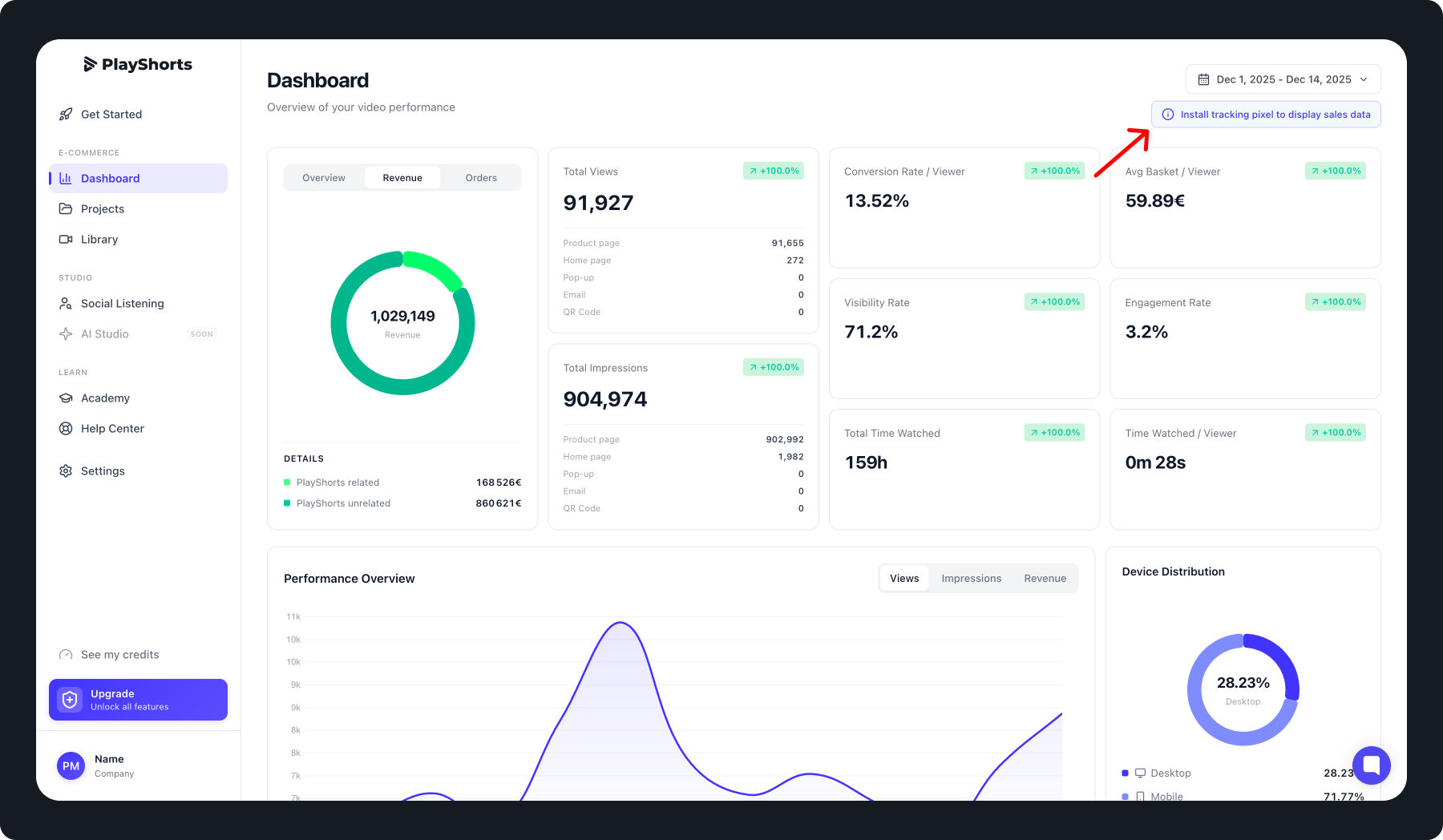
Click on "Install tracking pixel to track your sales data"
Go to your dashboard and click the ‘Install Tracking Pixel to Track Sales Data’ button.
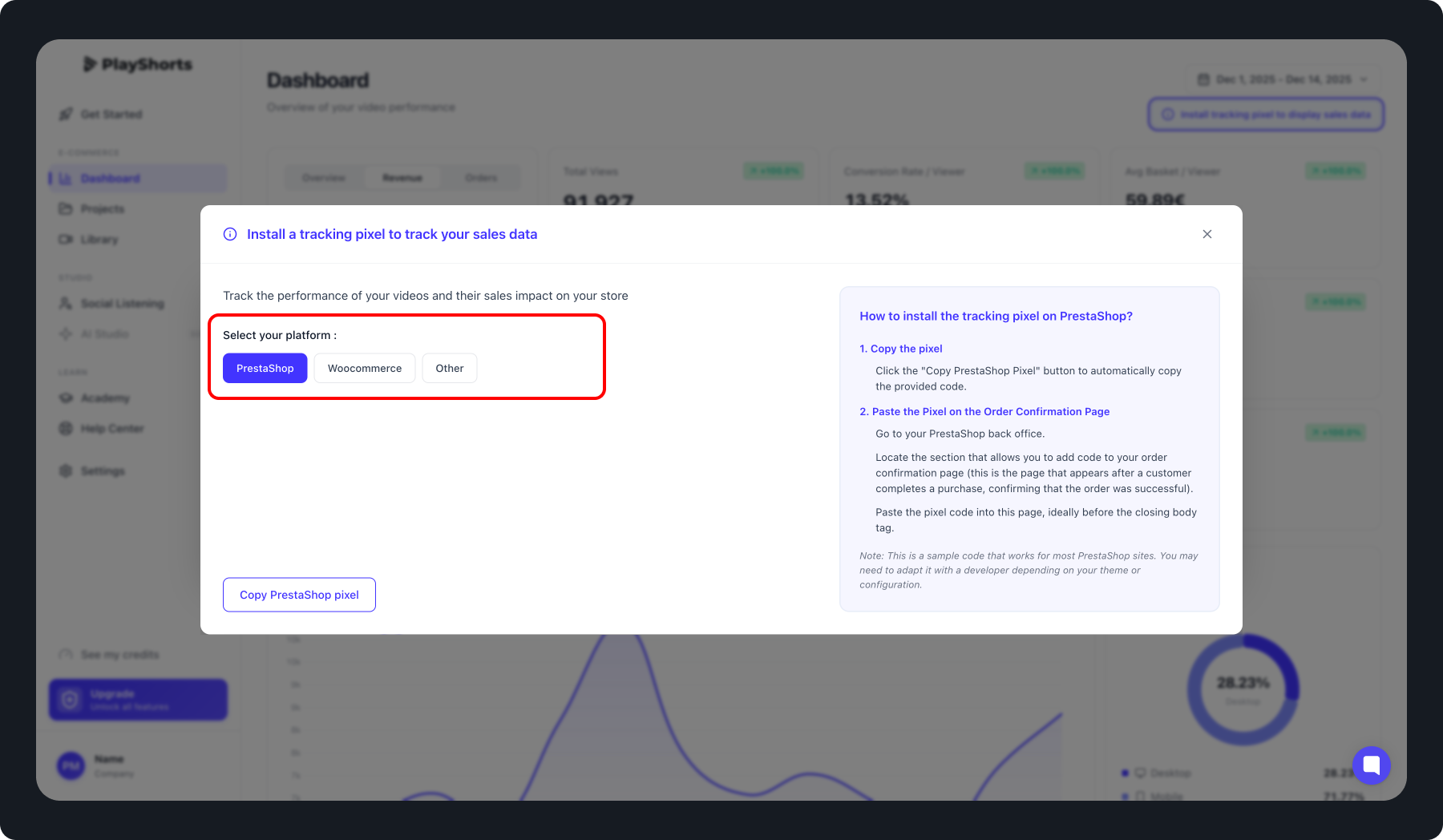
Choose your platform
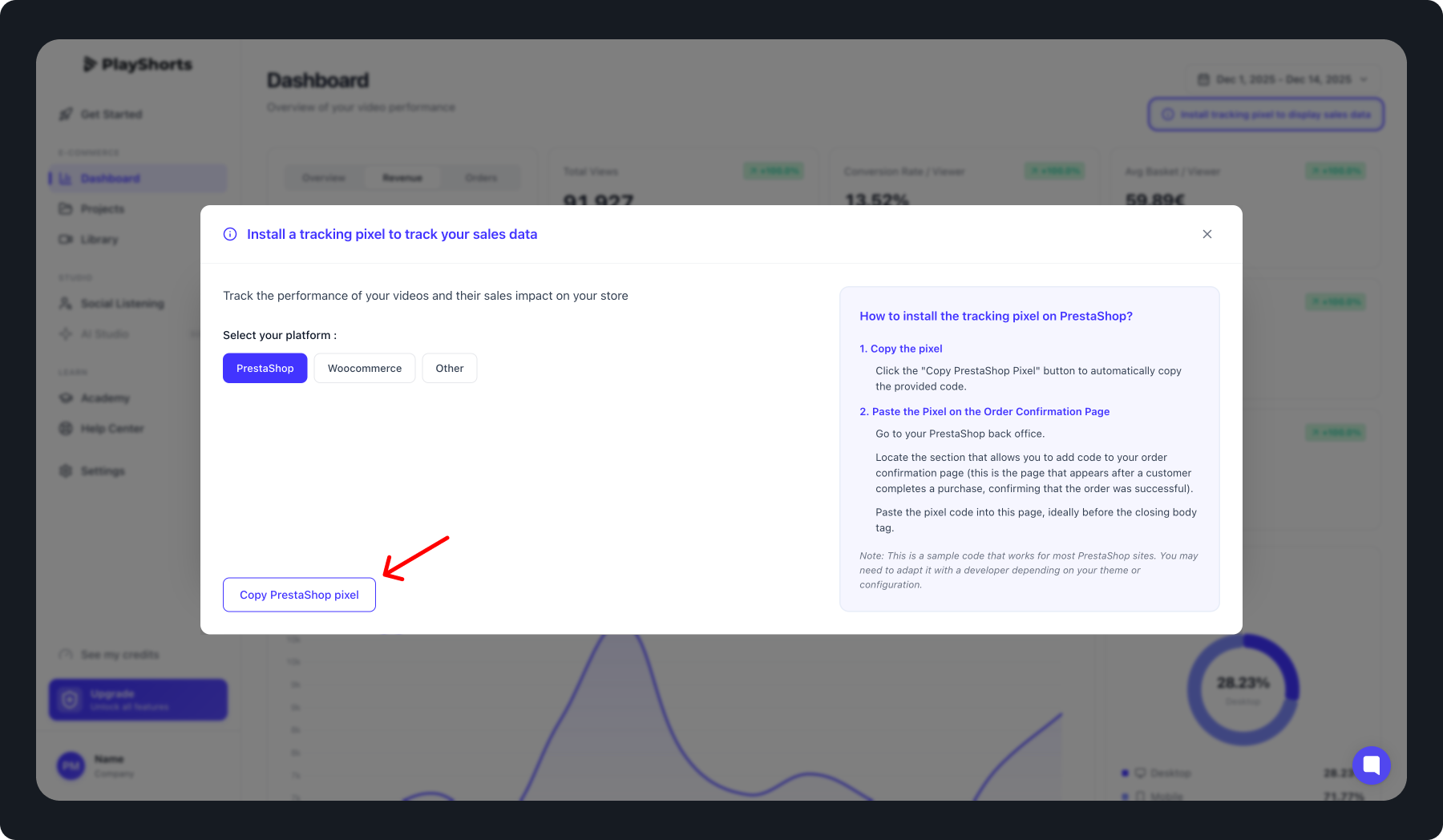
Copy the code
Click the 'Copy the Code' button to copy the tracking pixel.
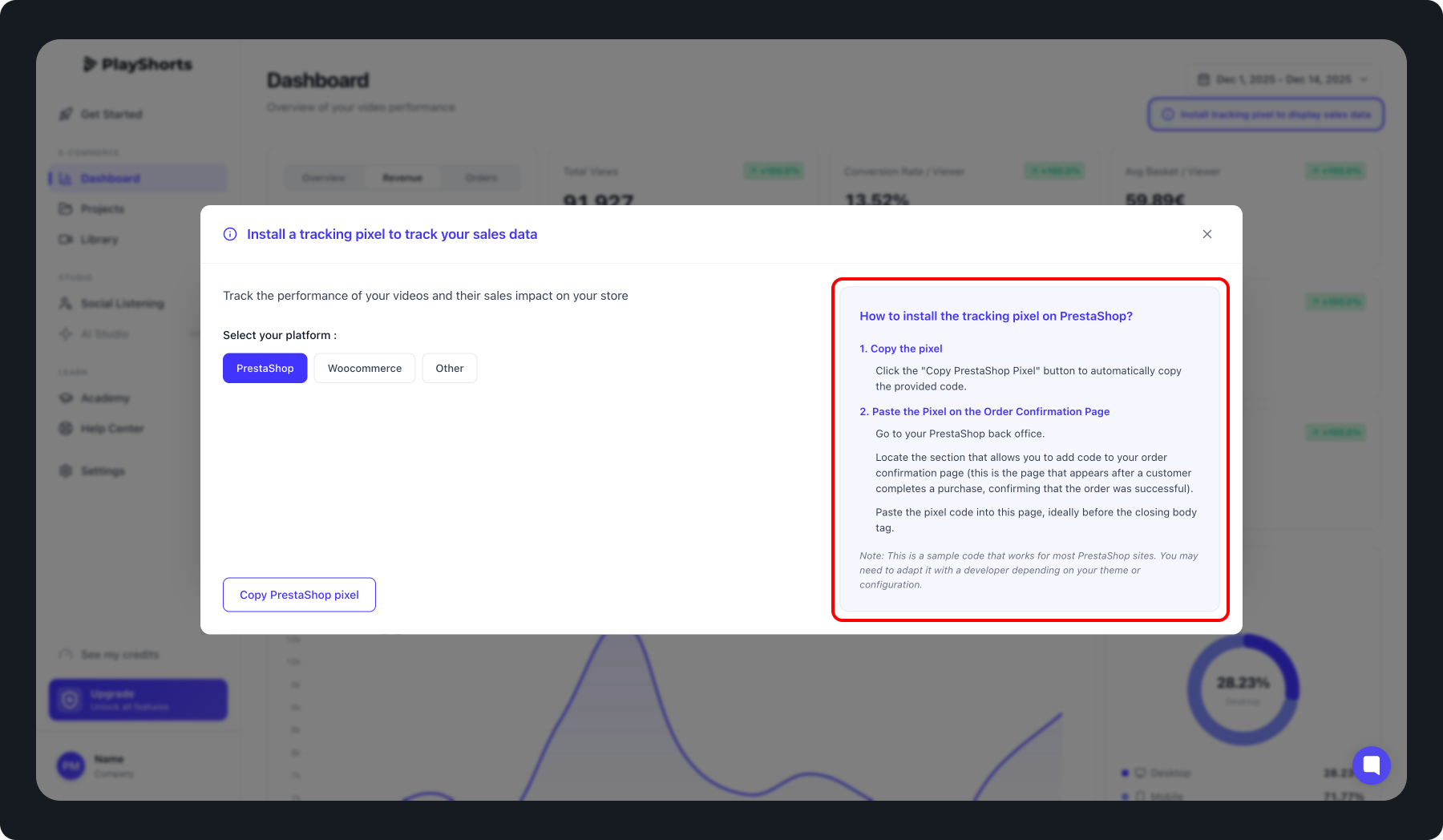
How to install the tracking pixel
Please follow the instructions on the right side of the screen once you have selected your platform.

Note: This is a sample code that works for most sites. You may need to adapt it with a developer depending on your theme or configuration.